Vocal Synth · Instrument
Vocalizer
Type words, play notes, and render a weird little singer.
Free · open source
- Version
- 0.2.0
- Formats
- AU, VST3
- Platforms
- macOS
- Licence
- GPLv3
Instant download · no licence key
Listen: 3 demos
Tap a pad to listen. Nothing loads until you do.
RATHOUND DP-8
Vocalizer
How To: Vocalizer in 3:00
All how-to videos →RATHOUND TV
How-to + trailer
CH Jump to a part
Captions are burned in, so it works with the sound off.
Overview
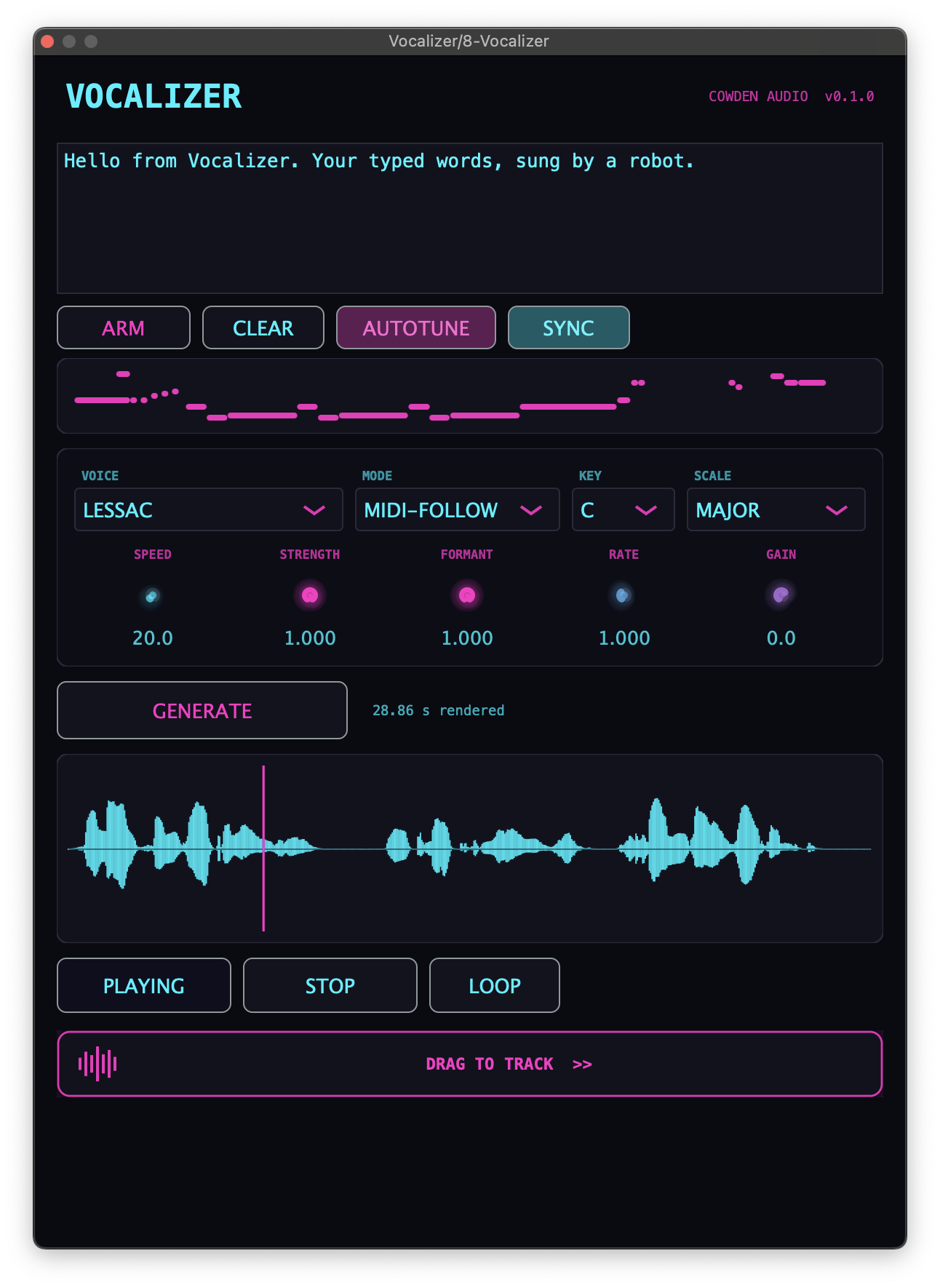
Vocalizer is for making typed words sing your melody without pretending to be a real human vocalist. Type the line, capture or play a MIDI melody, hit Generate, and the bundled neural TTS voice follows the notes with formant-preserving pitch correction. You can audition the result in the plugin, then drag the rendered WAV straight onto an audio track. It is great for hooks, vocal chops, bass music textures, weird robot lines, and talkbox/autotune-style ideas. It runs offline and ships five voices (CORI, LJ, KRISTIN, NORMAN and JOHN), all trained on public-domain recordings, and it is free/open source under GPLv3. Right now it is macOS Apple Silicon only.
Features
- Type text, capture MIDI, Generate
- Offline neural TTS using Piper / ONNX
- Formant-preserving pitch correction with TD-PSOLA
- Five bundled voices, all trained on public-domain recordings
- Add your own Piper voices in ~/Documents/Vocalizer/Voices/
- Drag rendered WAVs straight into your DAW
- Native Apple Silicon with saved plugin state
- Free and open source under GPLv3
DIR Vocalizer specs
- 01TypeText-to-sung-vocal instrument
- 02FormatsAU, VST3
- 03LicenseFree / open source (GPLv3)
- 04PlatformsmacOS (Apple Silicon)
v0.2.0 · AU · VST3
New here? The install guide walks through AU / VST3 setup on Mac and Windows.