Vocal Chopper · Instrument
The Choppa
Drop in a vocal, play MIDI, get chops. It aims itself.
50% OFF
- Version
- 1.0.3
- Formats
- AU, VST3
- Platforms
- macOS & Windows
- Updates
- Free, for life
Instant download · no licence key · free updates
Listen: 4 demos
Tap a pad to listen. Nothing loads until you do.
RATHOUND DP-8
The Choppa
How To: The Choppa in 3:00
All how-to videos →RATHOUND TV
How-to + trailer
CH Jump to a part
Captions are burned in, so it works with the sound off.
Overview
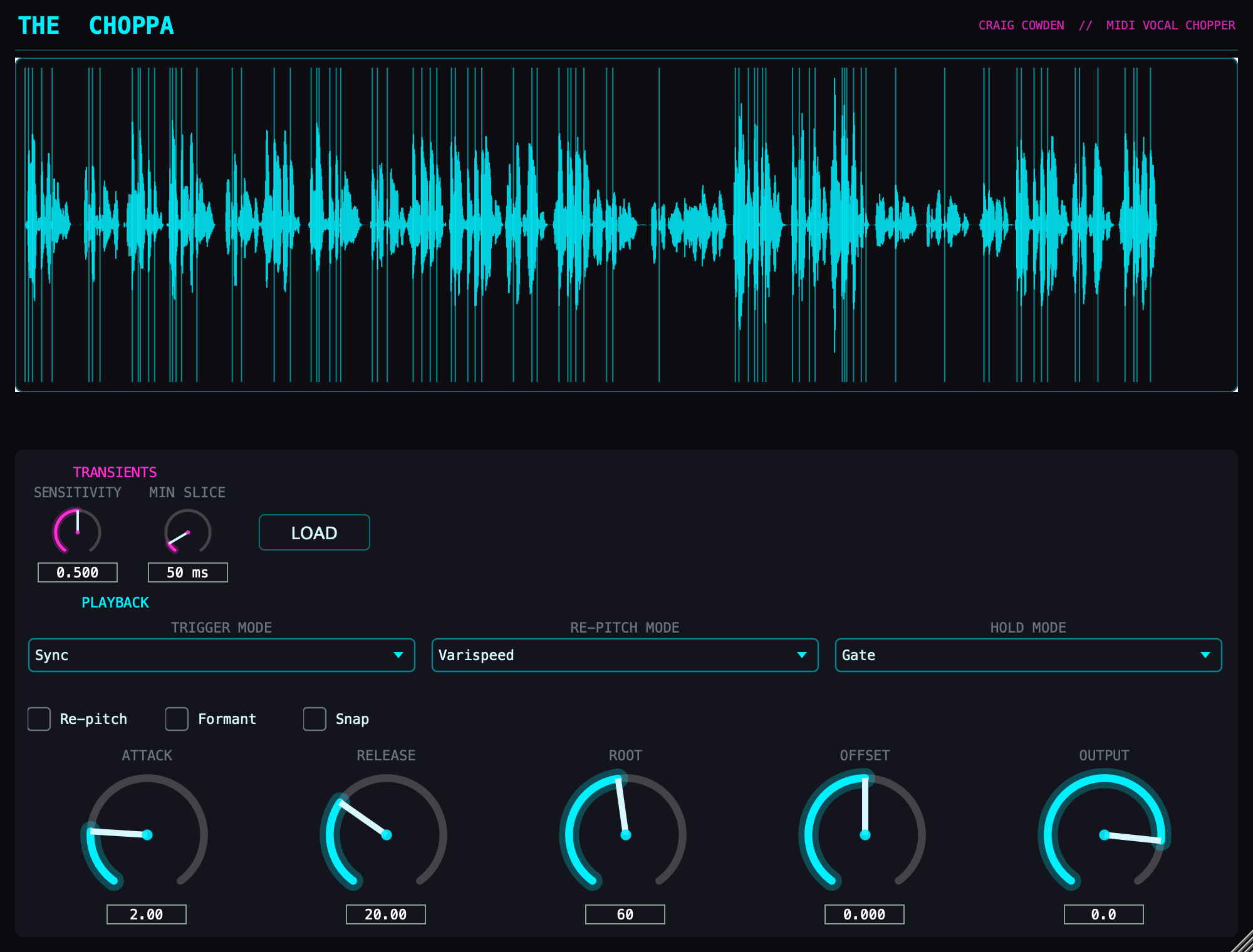
The Choppa is vocal chopping without the razor-blade work. Load it on a MIDI track like an instrument, drag a vocal file onto it, and it detects the transients itself, so the slice points land where the words actually start. Then you play it: a MIDI clip gates and re-pitches the vocal live, with three trigger modes — sync to the transport, step through slices in order, or map slices across the keyboard. Switch Re-pitch on and each key plays its slice at a new pitch, relative to a root note you set. Varispeed gives the classic tape-chipmunk chop sound; Time-Preserve keeps every chop its original length while the pitch moves; and Formant Preserve keeps the singer's vowels in place, so chops pitched up still sound like the same voice. Gate, one-shot, and loop hold modes cover stutters, chops, and pads. The loaded audio is saved inside your project, so sessions reopen exactly as you left them.
Features
- Automatic transient detection places slice points for you
- MIDI-driven: gates and re-pitches the vocal in real time
- Sync, sequential, and keymap trigger modes
- Re-pitch from the keyboard, relative to a root note you set: Varispeed, Time-Preserve (length kept) and Formant Preserve (no chipmunk)
- Gate, one-shot, and loop hold behaviors
- Waveform view with glowing slice markers
- Audio embeds in plugin state — projects reopen intact
DIR The Choppa specs
- 01TypeVocal chopper / MIDI-driven sampler instrument
- 02FormatsAU, VST3
- 03SlicingAutomatic transient detection
- 04Tested inAbleton Live. Other DAWs not tested yet
- 05PlatformsmacOS (Apple Silicon), Windows (VST3)
v1.0.3 · AU · VST3
New here? The install guide walks through AU / VST3 setup on Mac and Windows.
Same shelf: Process, chop, move and transition
All plug-ins →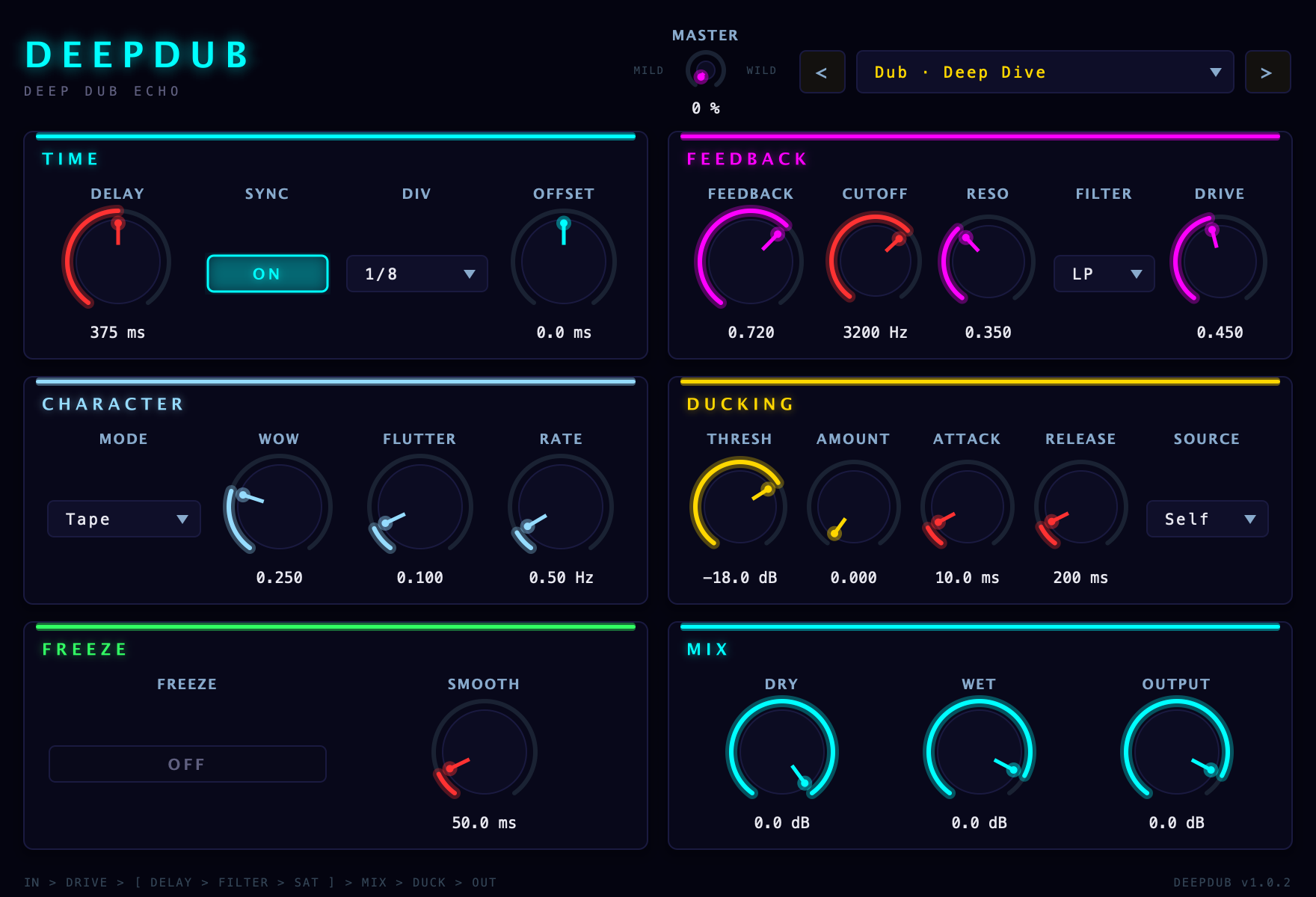 DeepDub is a dub delay with Tape, BBD, and Digital modes, plus filtered feedback, saturation, ducking, and freeze. Use it for quick slapback or let it bloom into a whole texture.$14.50$29VIEW →Lo-Fi / Glitch · Audio EffectComputerizer
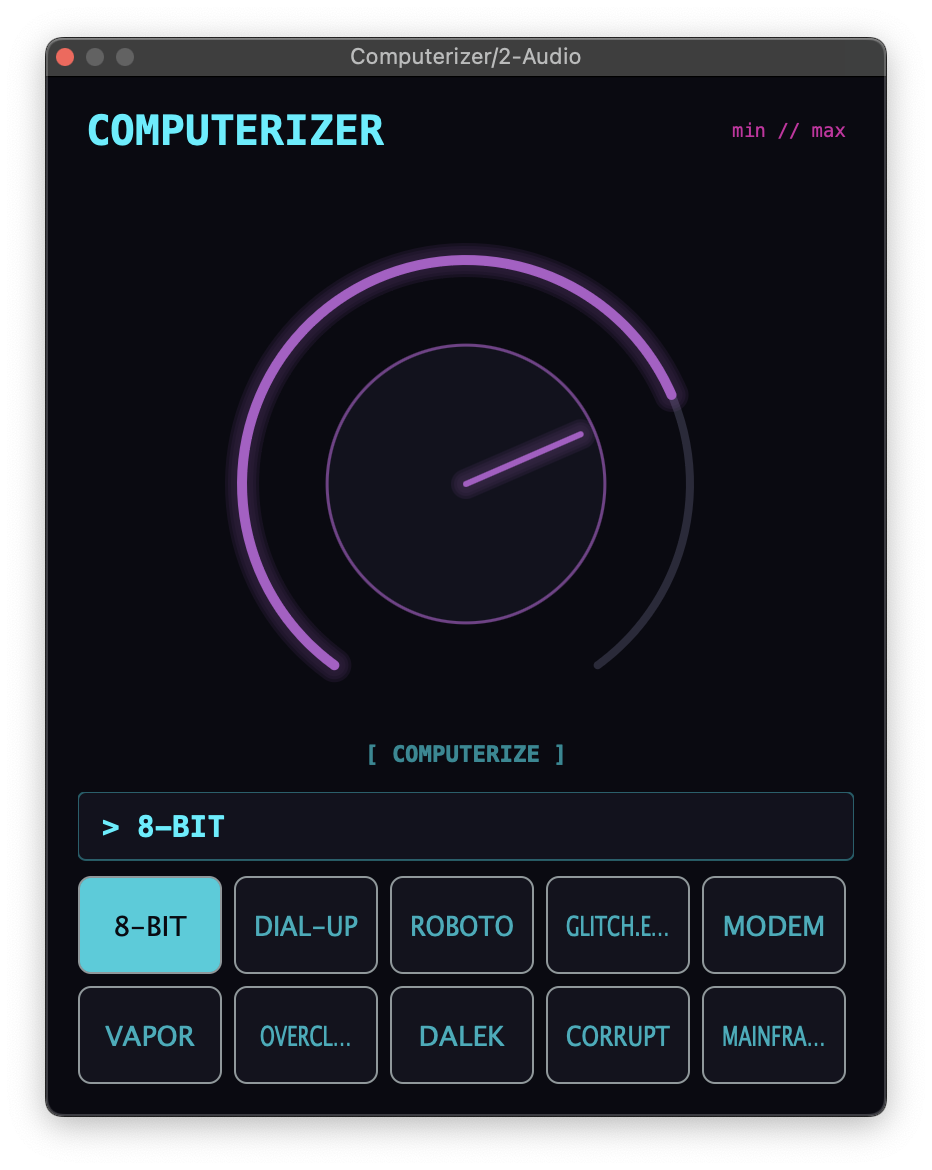 Computerizer gives you thirty digital-flavored effects in one simple plugin, and you can stack up to three at once. Choose your flavors, turn Amount, and go from light lo-fi texture to chopped-up robotic glitch.$14.50$29VIEW →Flutter / Motion FX · Audio EffectThe Featherer
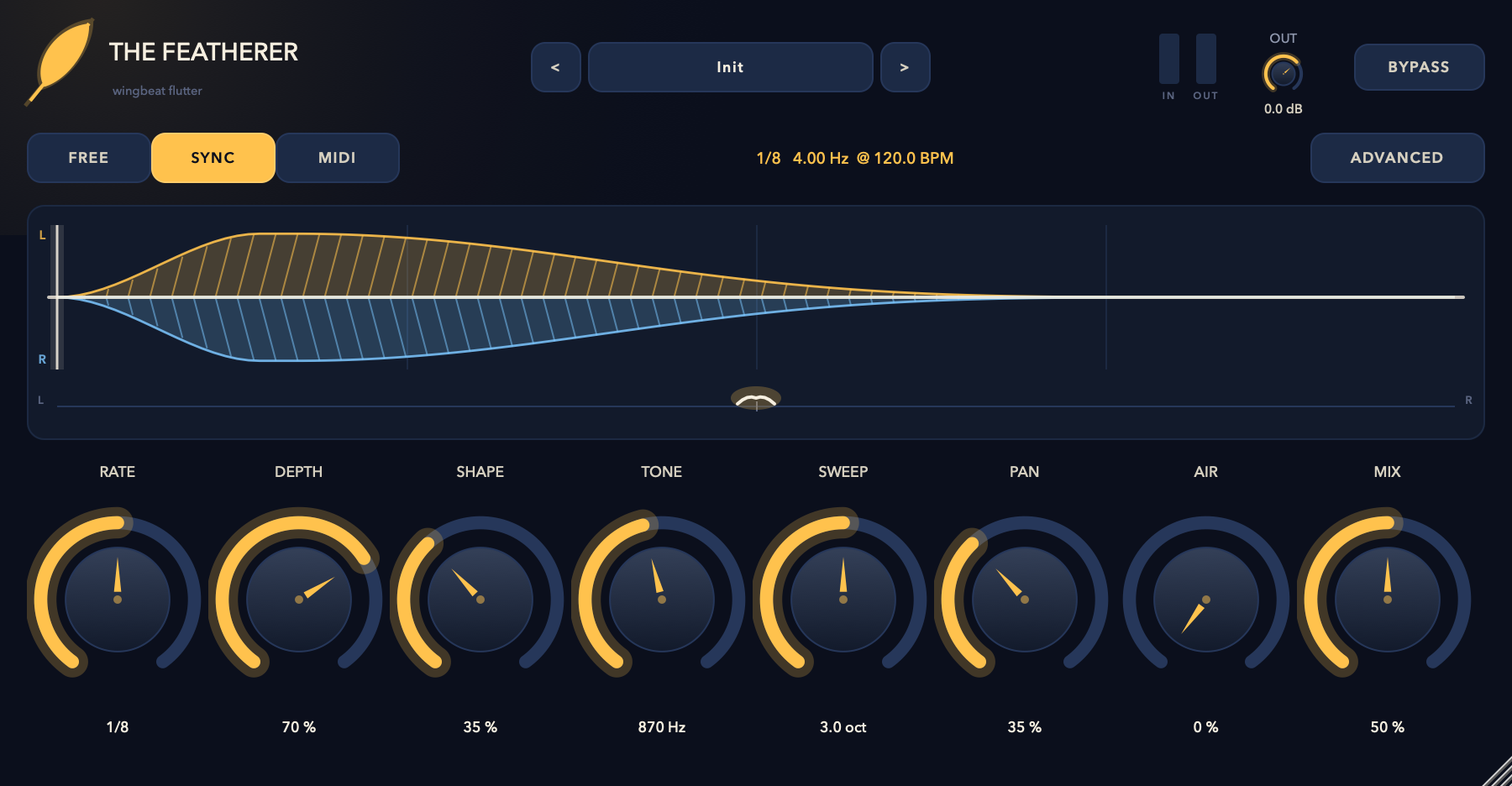 The Featherer makes rapid wingbeat movement — volume, resonant filter, and stereo pan all flapping together from one motion signal. Run it free, lock it to tempo, or fire it from MIDI.$14.50$29VIEW →Rhythmic Motion Effect · Audio EffectRatMotion
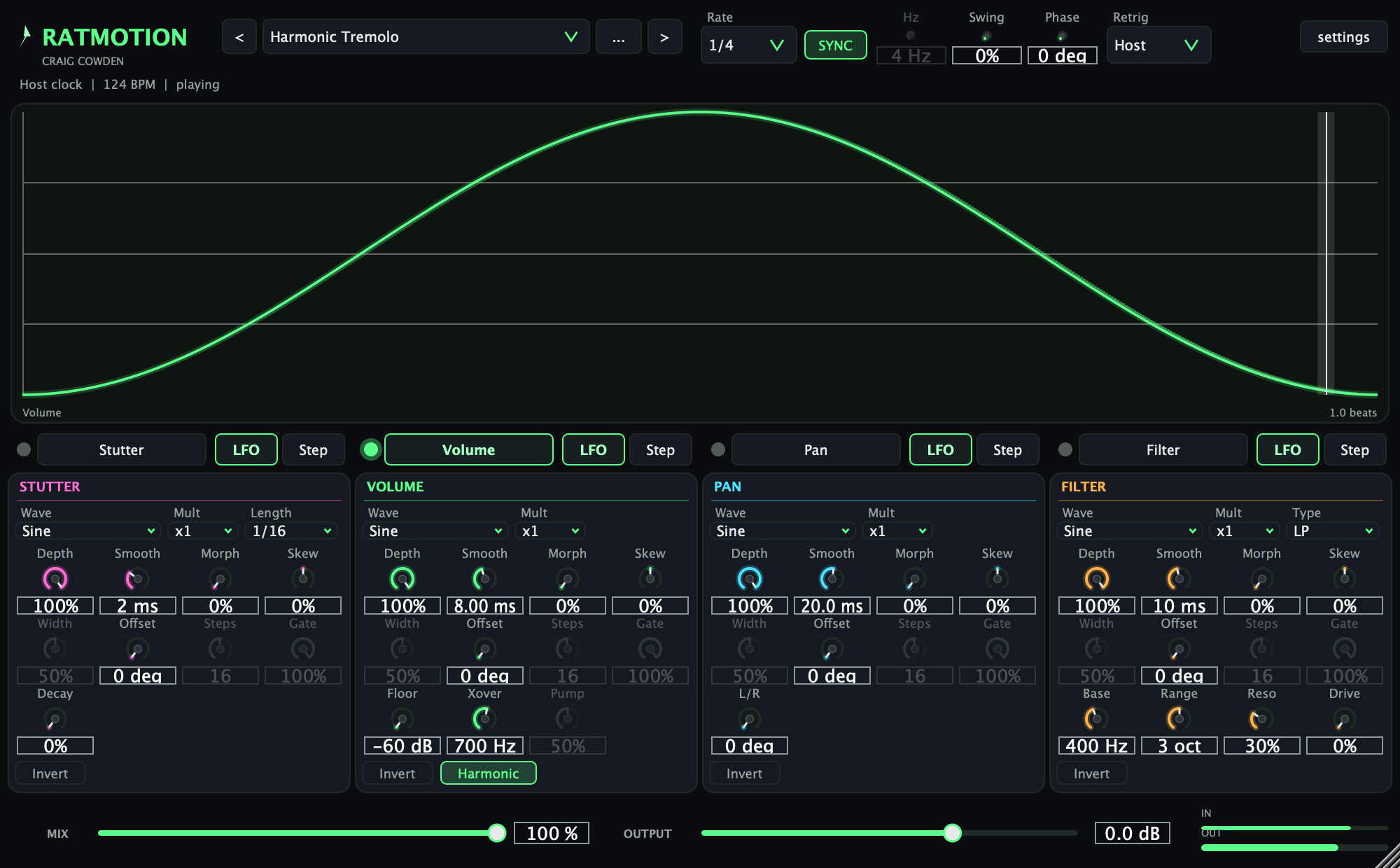 RatMotion gives anything that sustains motion locked to the host clock: four lanes (Stutter, Volume, Pan, Filter), each driven by an LFO wave or a step pattern you draw on an oscilloscope, with swing, MIDI retrigger and a harmonic tremolo mode.$9.50$19VIEW →